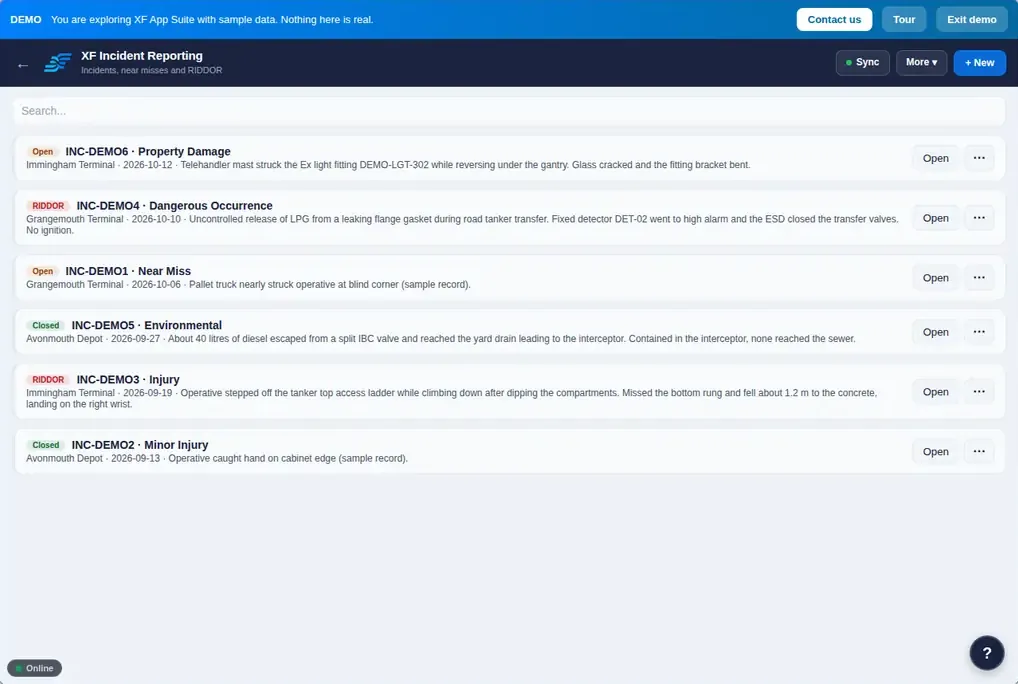
XF Incident Reporting
Incidents, investigation, root cause and RIDDOR.
- People involved, injuries, photos and witnesses
- RIDDOR classification builds the HSE report
- Possible repeats from the last two years flagged
RIDDOR 2013

Health & safety
Report incidents and RIDDOR, write RAMS and COSHH assessments, issue permits to work, run audits and manage contractors and site access in one connected app that works offline on site.
Try the demo with sample data: choose See it in action on the sign-in page. No account needed.
Most sites run health and safety across spreadsheets, paper permits, emailed RAMS and a separate training matrix. The XF App Suite brings incidents, risk assessments, COSHH, permits to work, audits, contractor management, inductions and corrective actions into one connected platform, so a finding in one place becomes a tracked action everywhere it matters.
It is built by an engineering business for industrial and operational sites in the UK, and it works on the phone in your pocket as well as the office PC.
Report and investigate incidents, write RAMS and COSHH assessments, run audits and checklists, and close out every corrective action.
Incidents, investigation, root cause and RIDDOR.
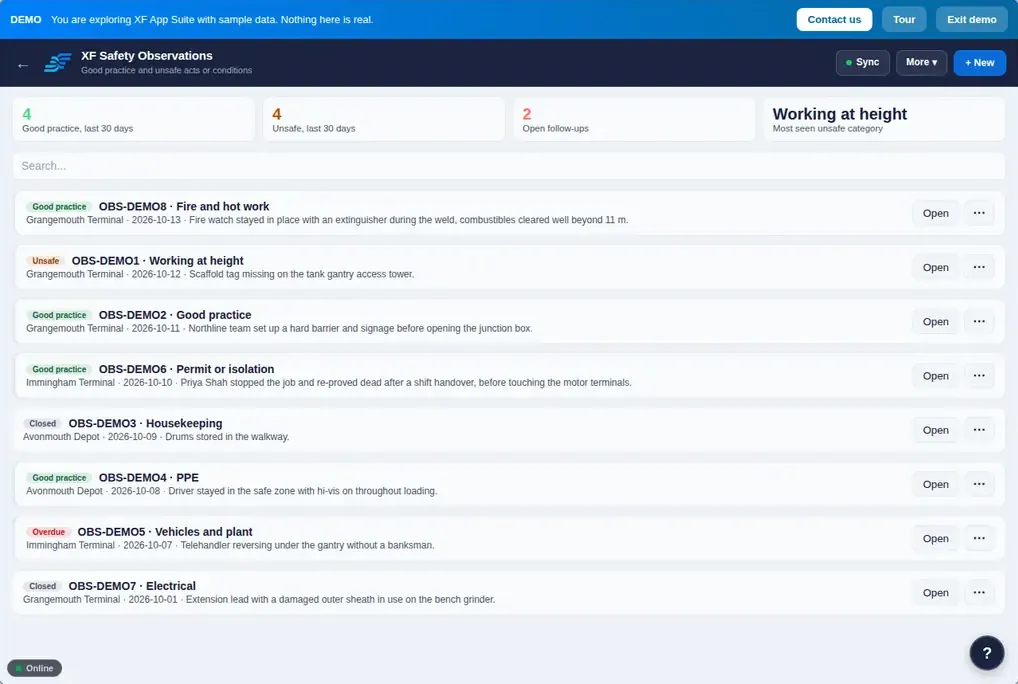
Good practice and unsafe observations with photos.
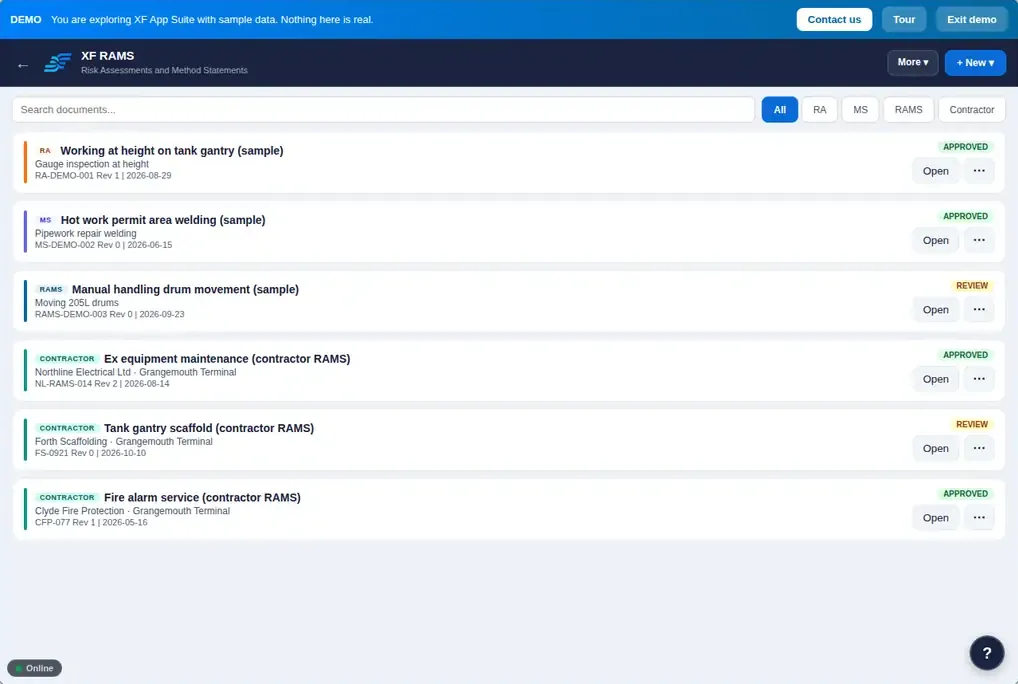
Risk assessments, method statements and combined RAMS.
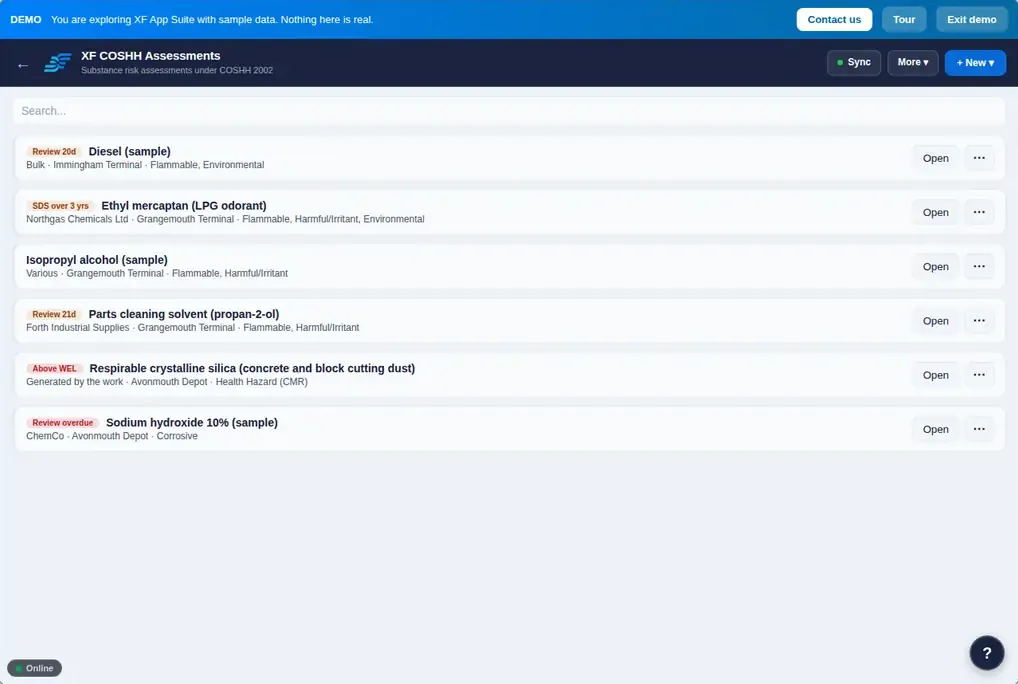
Substance assessments with exposure limits and monitoring.
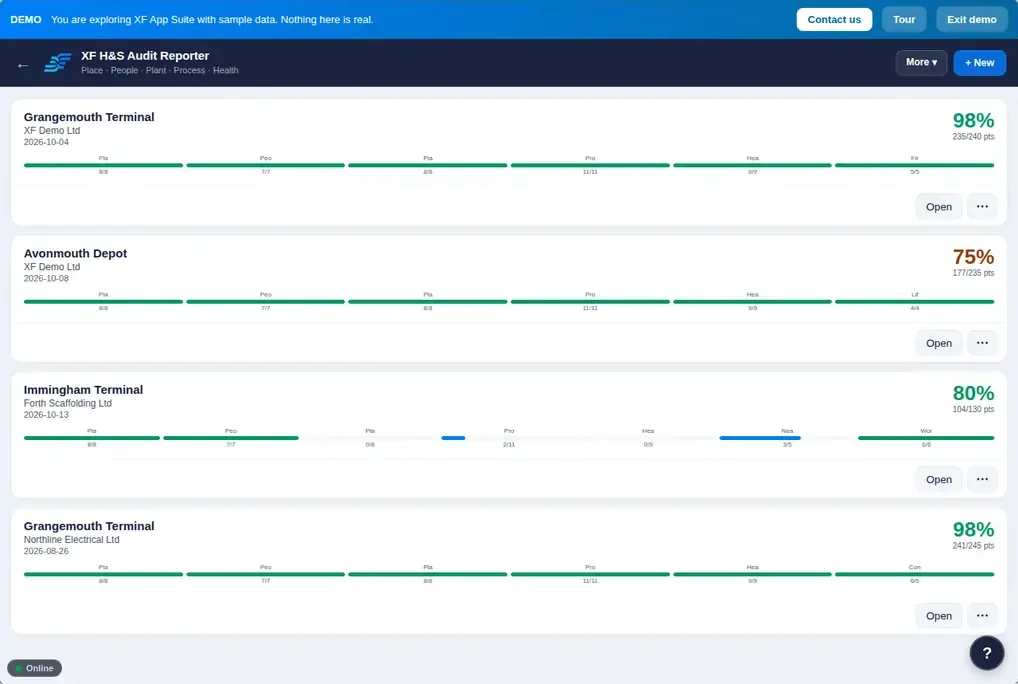
5P site audits with scores and actions.
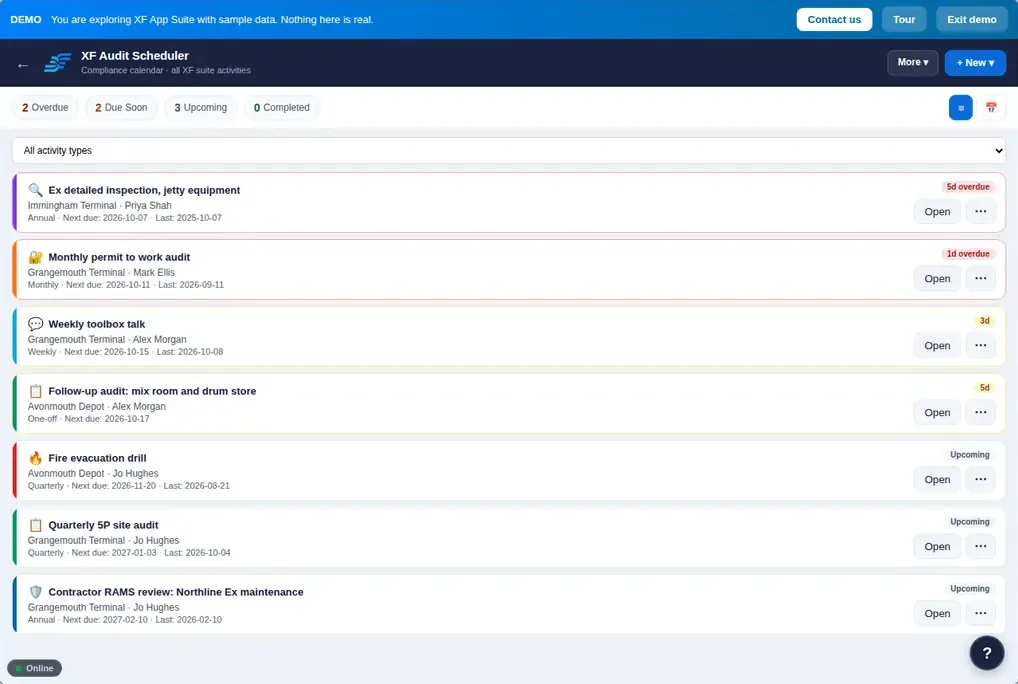
A calendar of recurring audits, inspections, drills, talks and reviews.
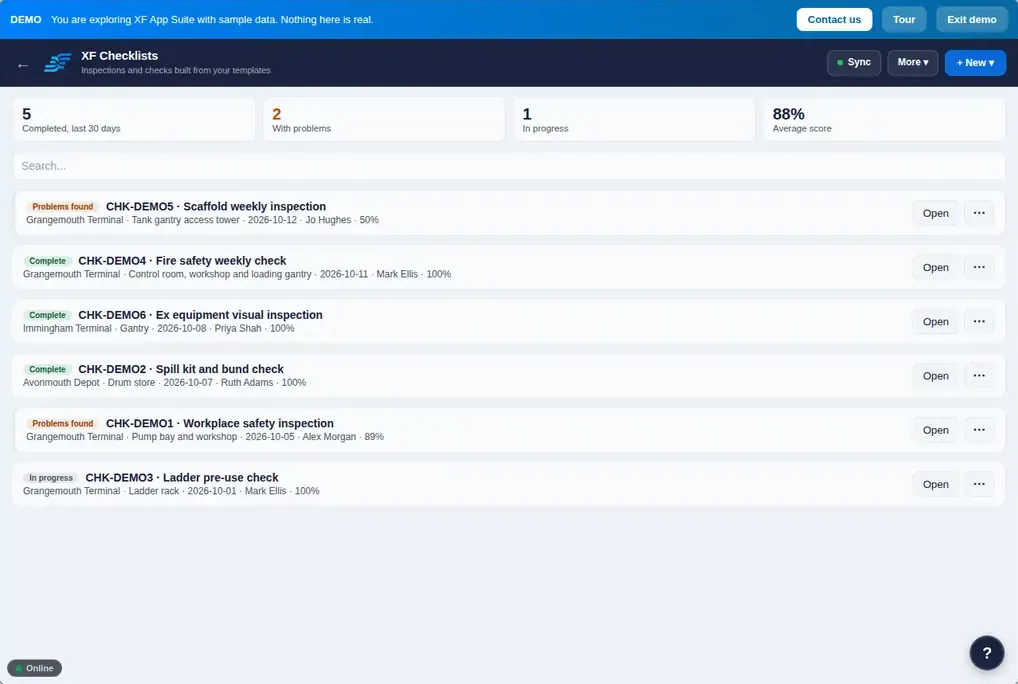
Template checks that flag failures and raise actions.
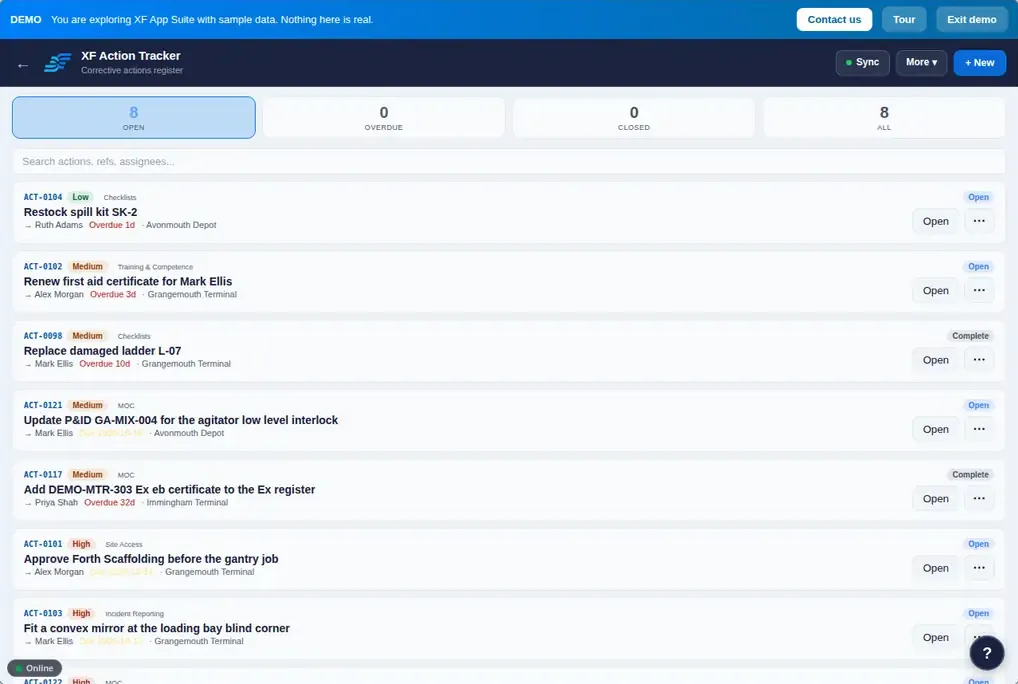
Every corrective action from every app in one place.
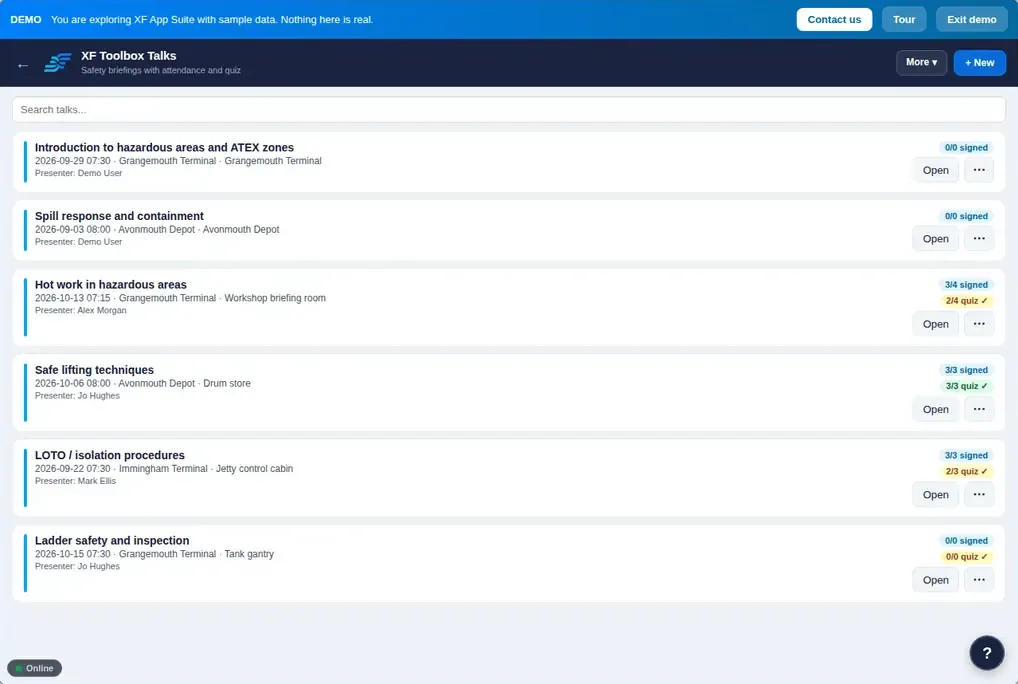
Briefings with attendee signatures and optional quizzes.
Digital permits with isolations, gas tests and on-screen signatures, a live permit board with SIMOPS conflict checks, and managed change.
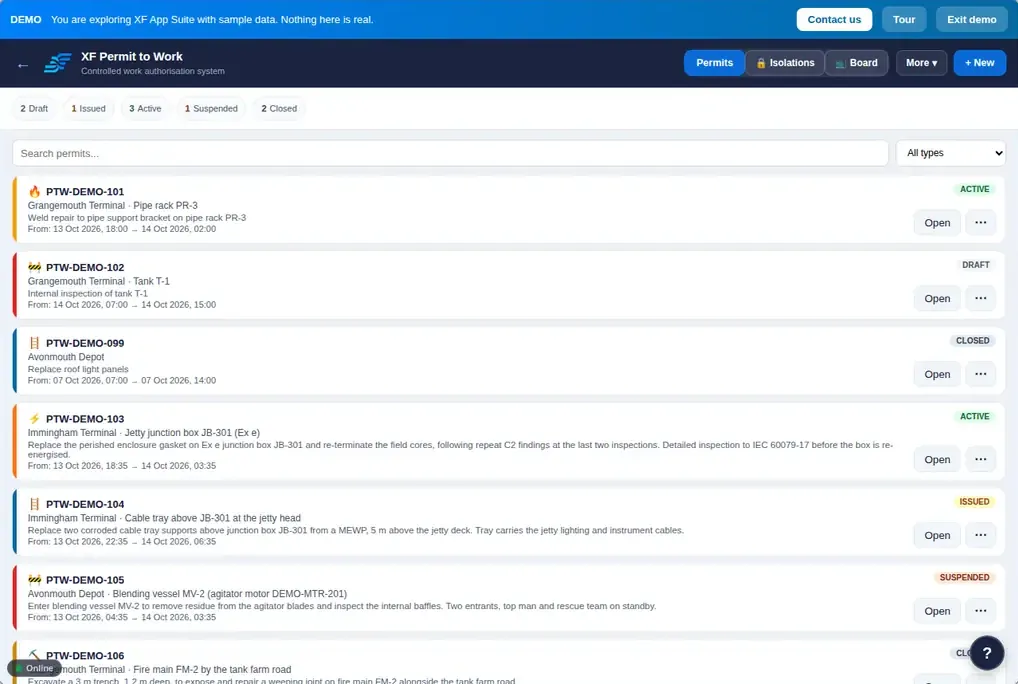
Digital permits for hot work, confined space, electrical isolation, working at height, excavation, cold work and more.
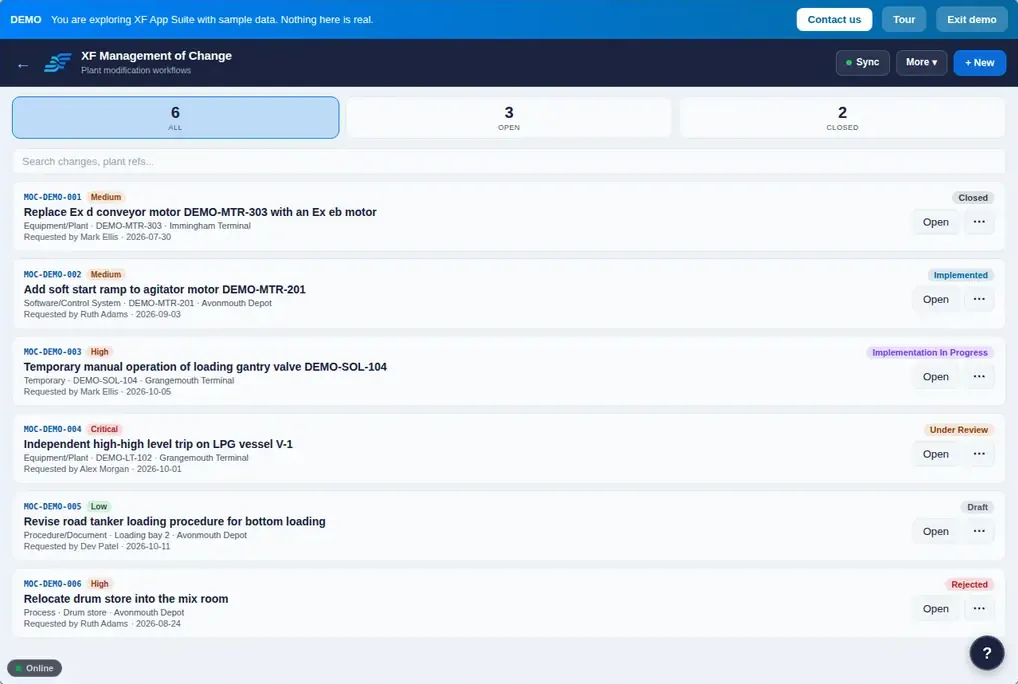
Change requests through review, approval, implementation and close.
Know who is on site, whether they are inducted, approved and competent, and who is working alone right now.
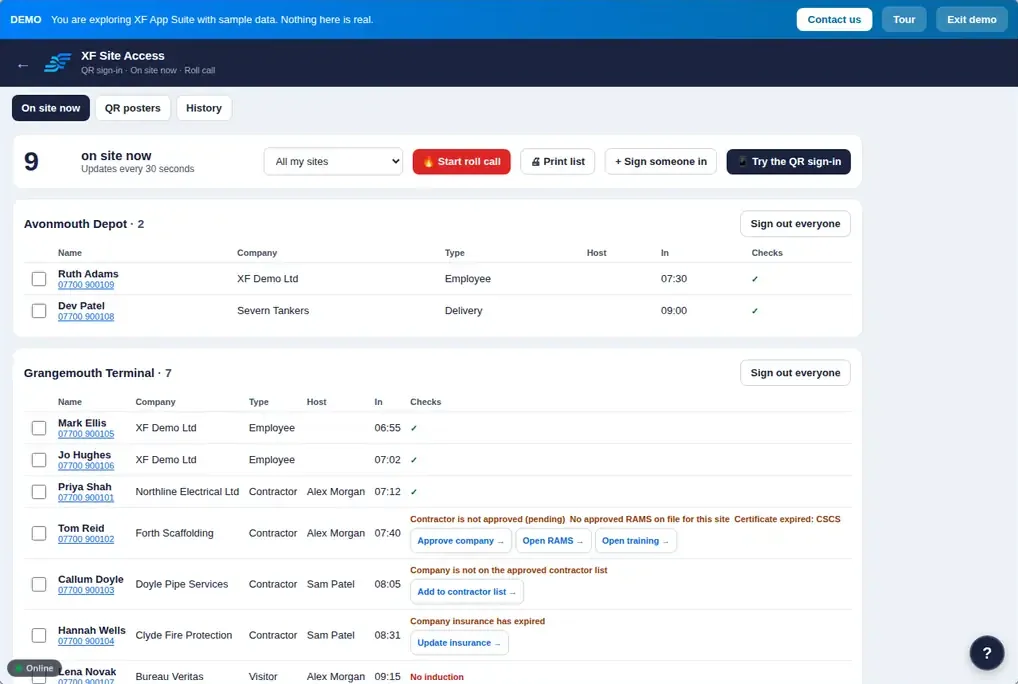
QR sign-in, who is on site now and roll call.
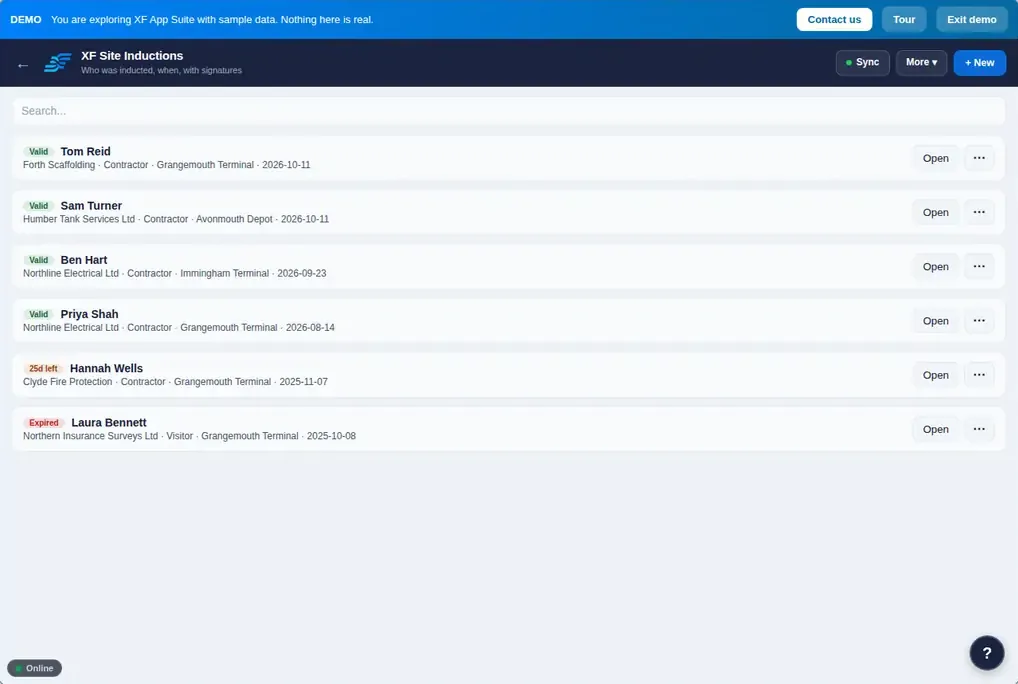
Inductions with expiry, topics and signatures.
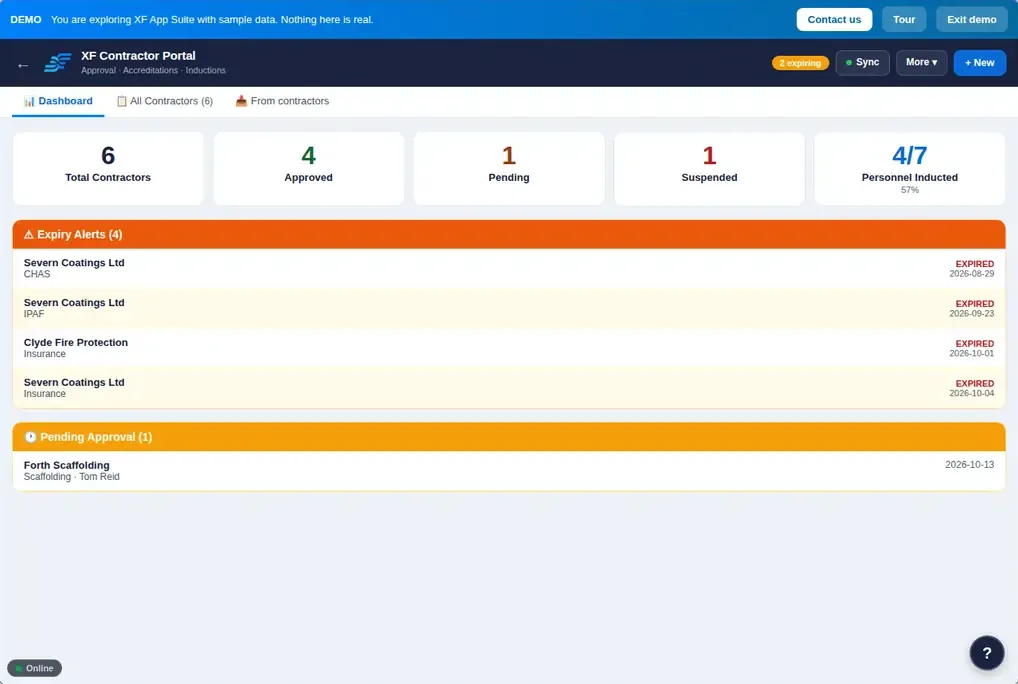
Contractor accreditation, insurance, pre-qualification and approval.
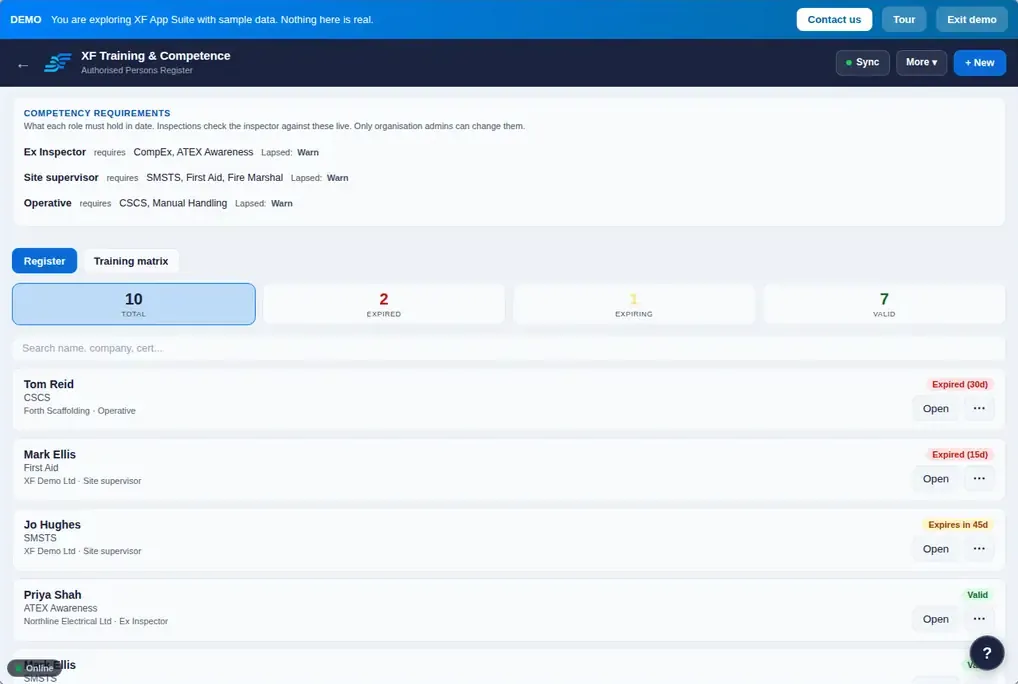
Certificates, role requirements and the training matrix.
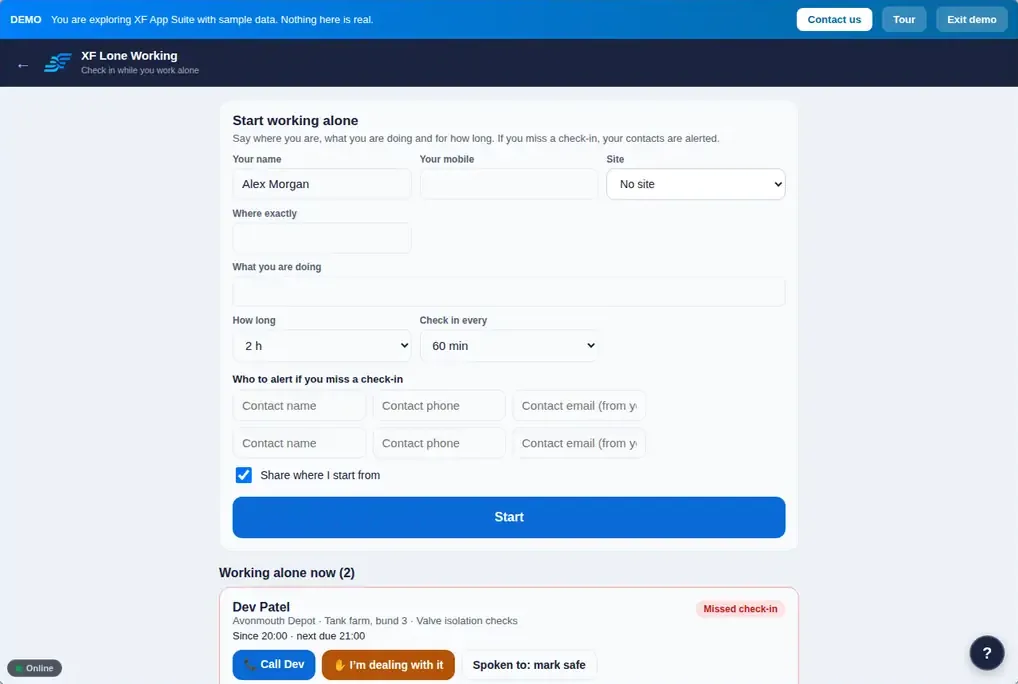
Timed check-ins with alerts to contacts.
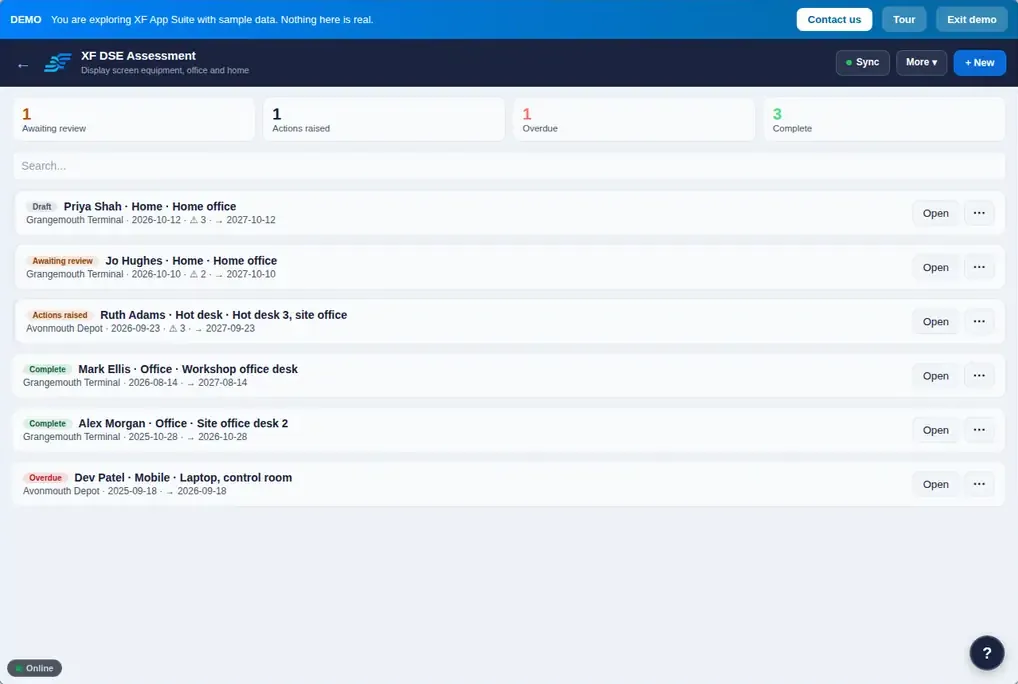
Self-assessments for office or home, with reviewer sign-off.
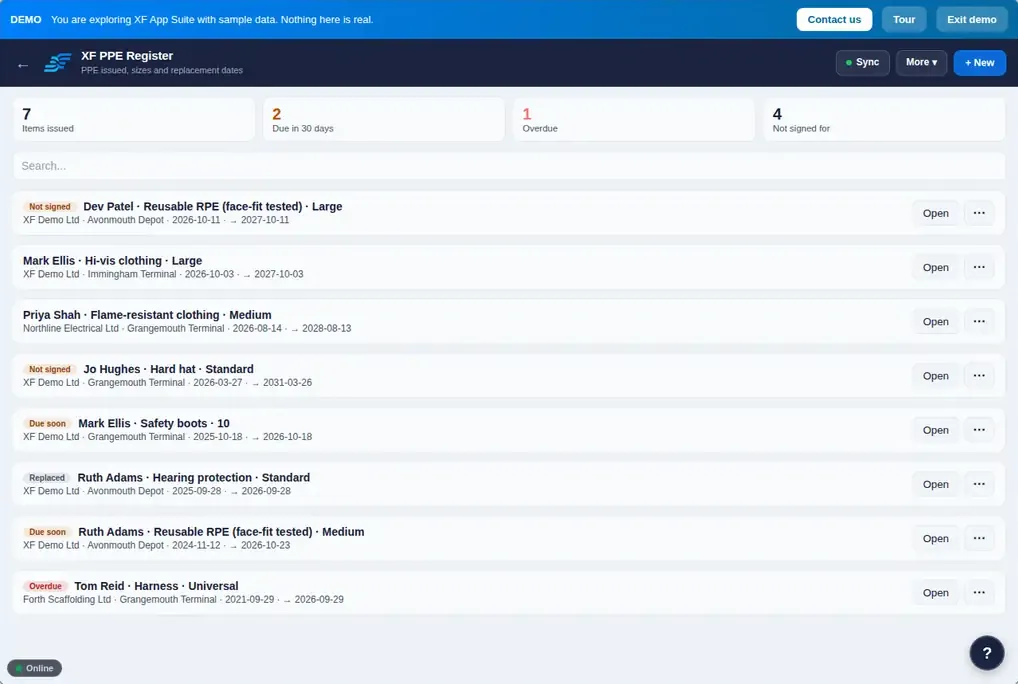
PPE issue and RPE face-fit tests.
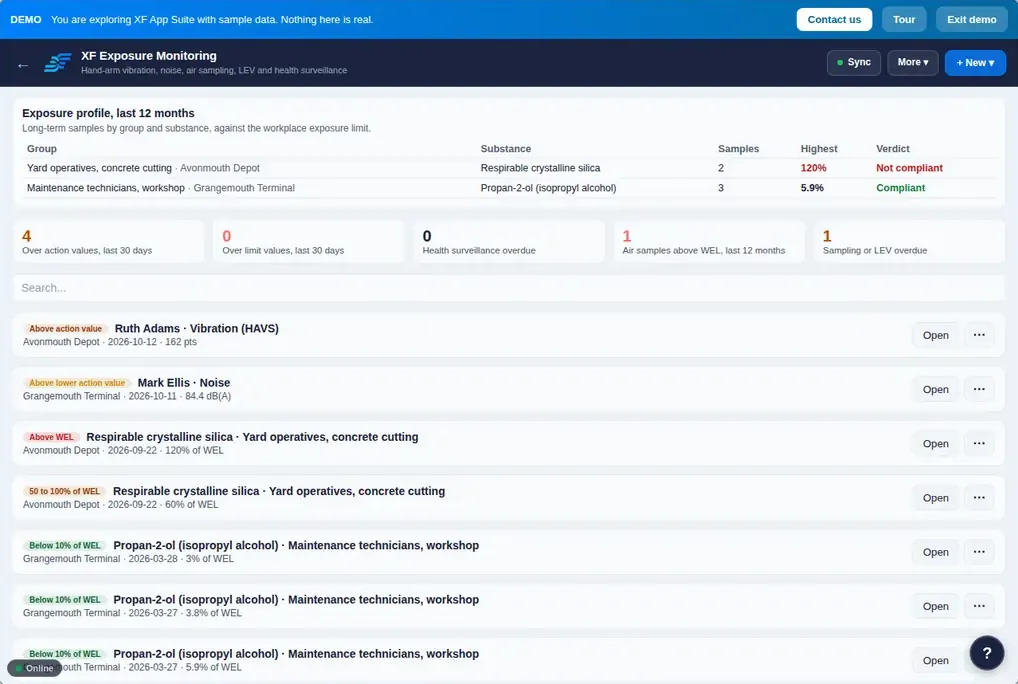
Vibration, noise, air sampling and LEV examinations.
LOLER, PSSR and PUWER examinations, fire equipment, pre-use plant checks and emergency contacts with due dates that never slip.
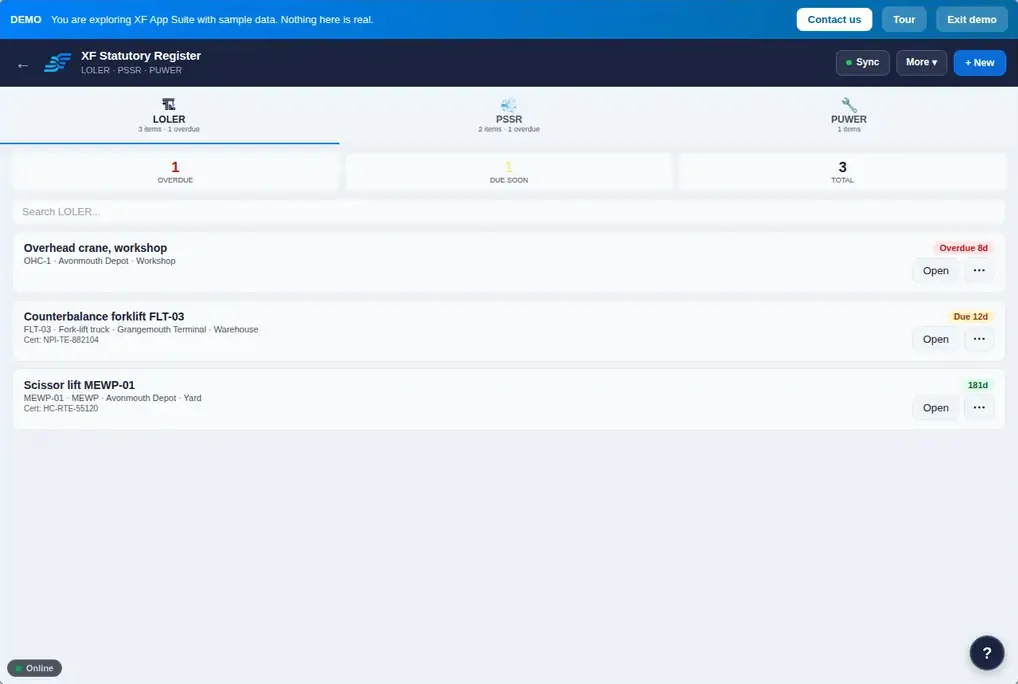
LOLER, PSSR and PUWER examinations.
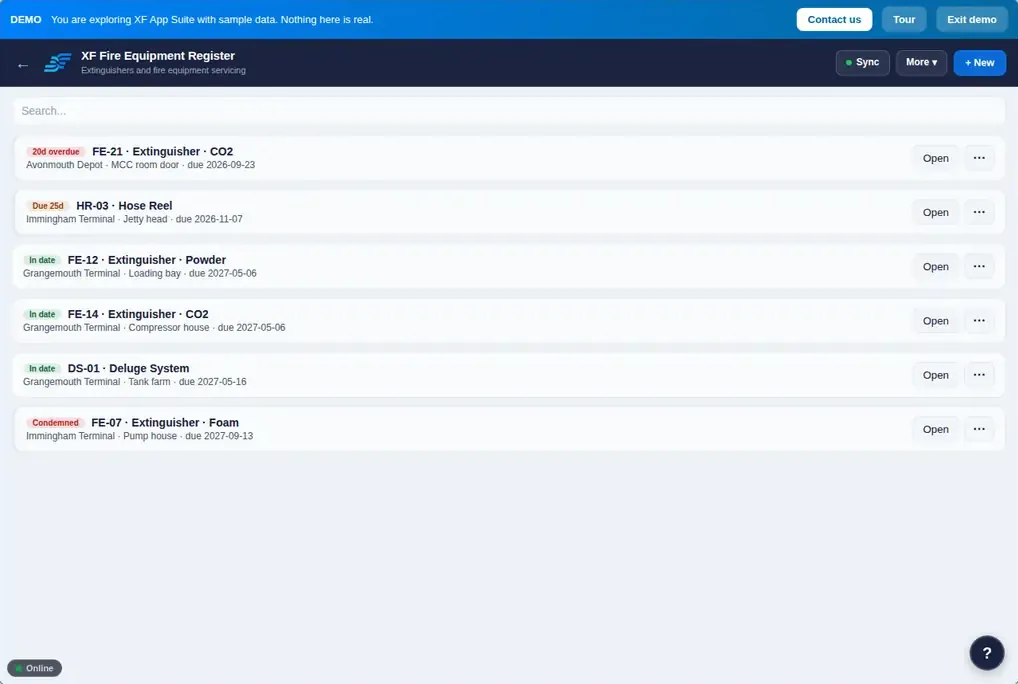
Extinguishers, alarms, emergency lighting, fire doors and fixed systems.
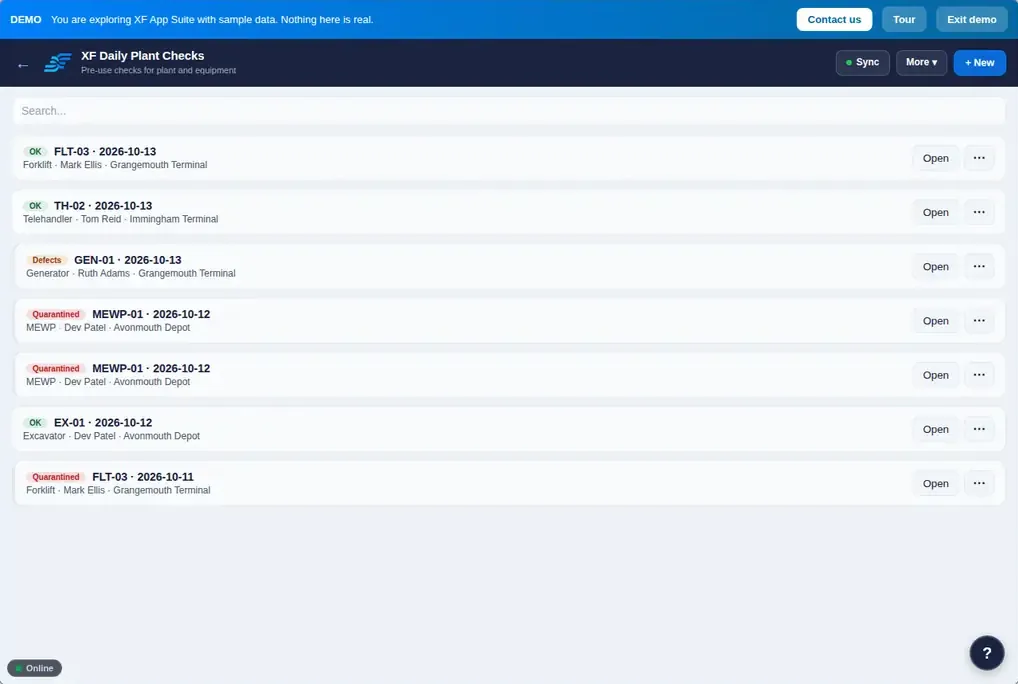
Pre-use checks with quarantine of defective plant.
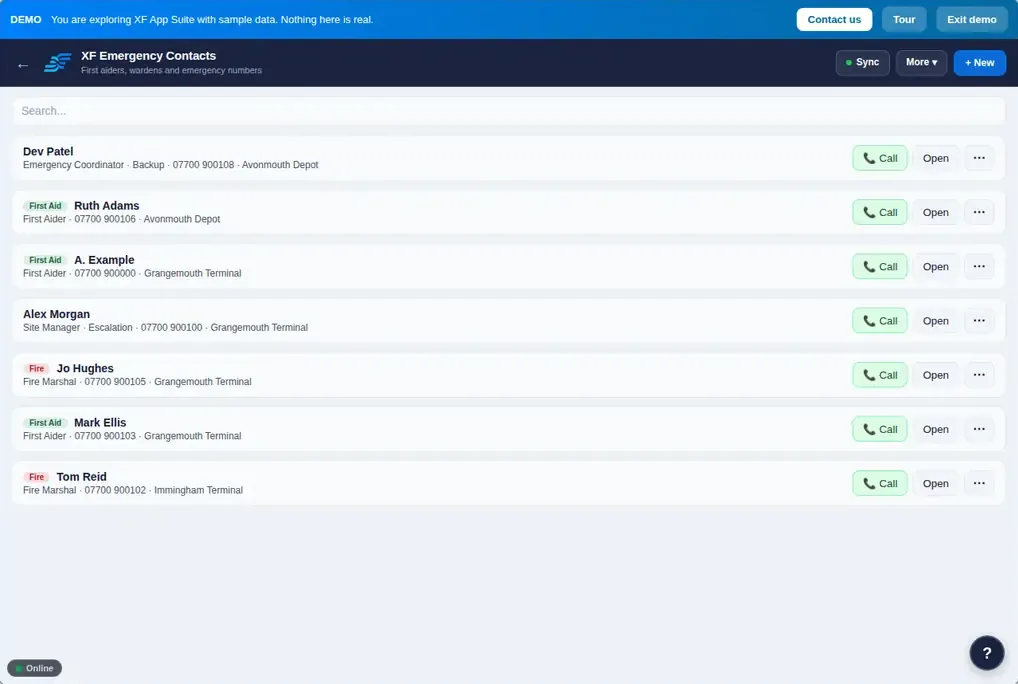
First aiders, marshals, assembly points and nearest A&E per site.
Environmental aspects, permits, waste and emissions, and the legal register for each site.
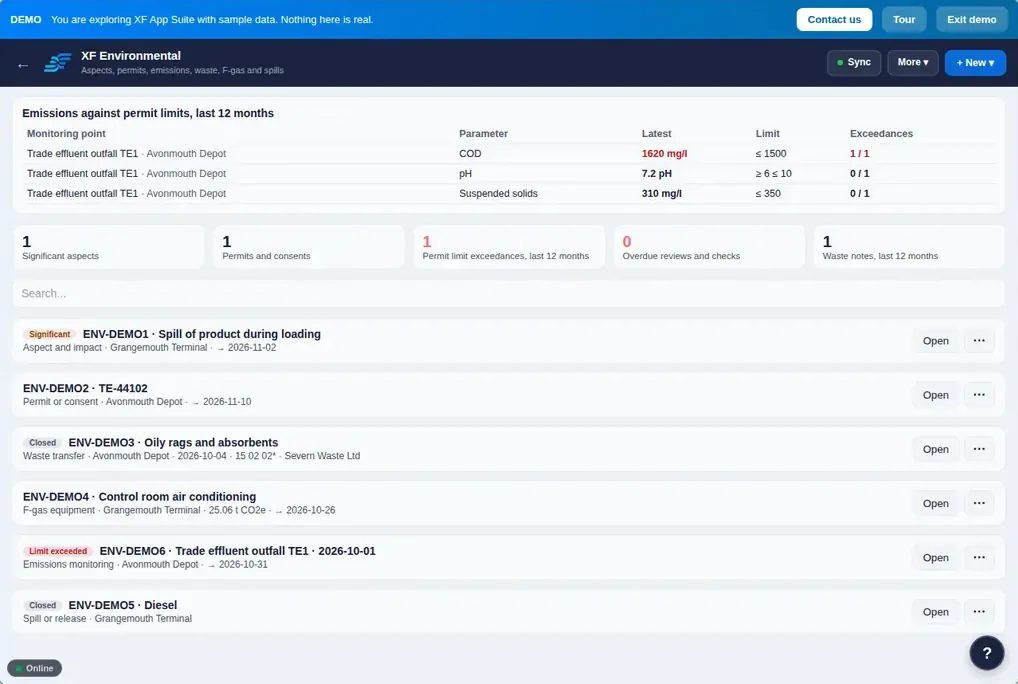
Aspects, permits, waste, F-gas, spills and emissions monitoring.
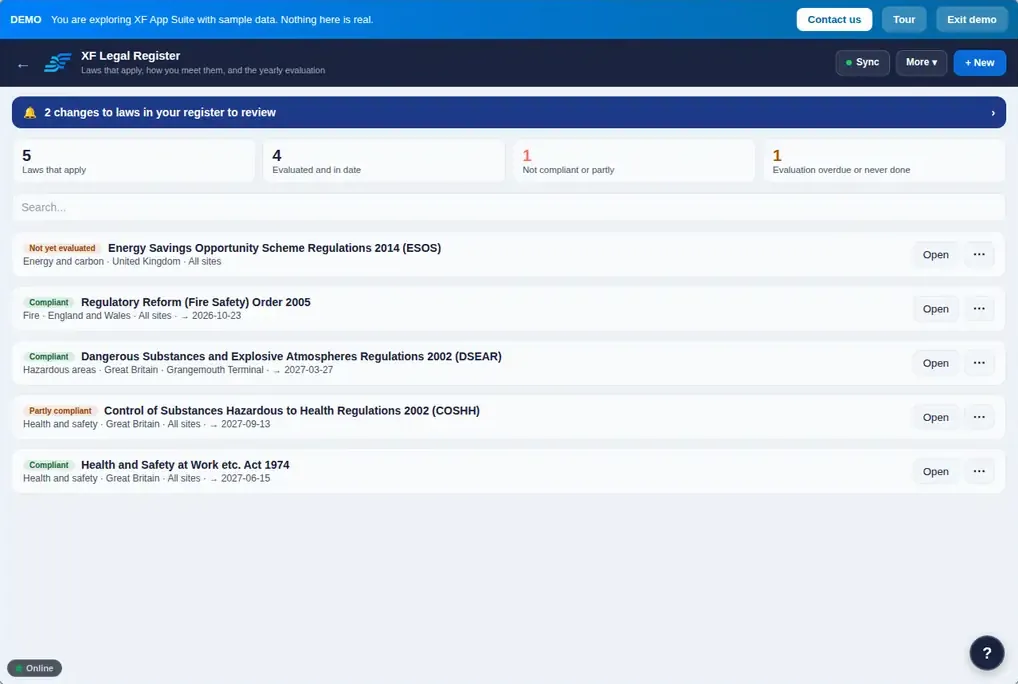
Applicable law per site, what it requires and how you comply.
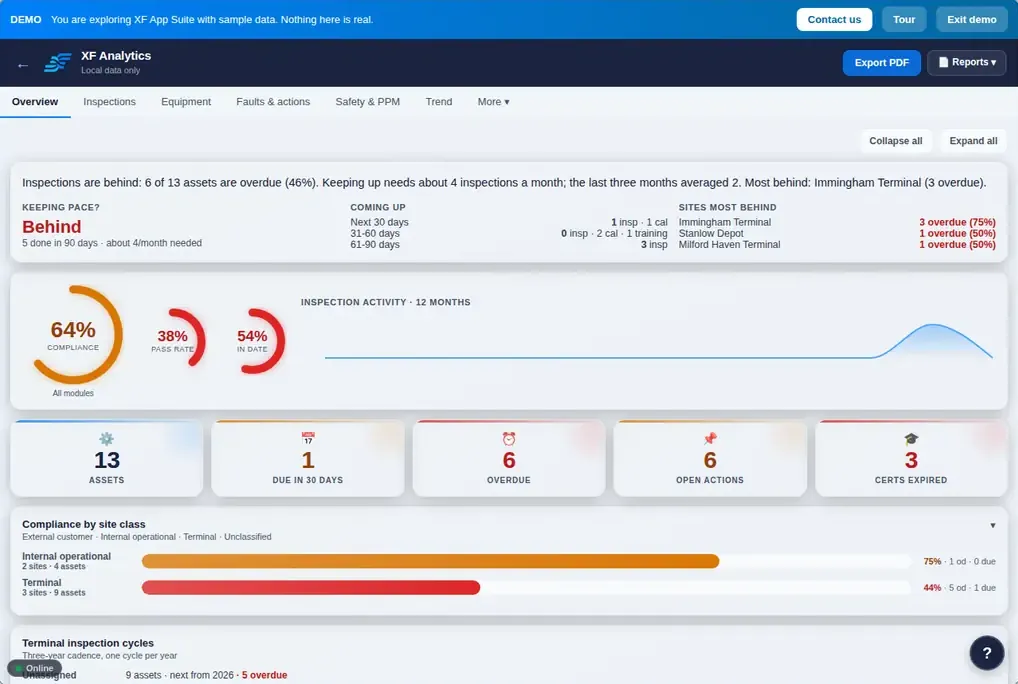
Analytics counts what went wrong (incidents, RIDDOR reports, days lost) and what you did to prevent it (observations, toolbox talks, audits, actions closed on time). Enter hours worked and it calculates LTIFR, TRIFR and AFR. Ready-made PDF reports cover the compliance report, risk register, training matrix and RIDDOR report.
Records save on the phone or tablet and sync when signal returns. Open the apps once while connected and they keep working on site.
Findings from inspections, audits, incidents and checks are offered as actions in one Action Tracker, with owners, due dates and effectiveness checks.
Every create, change, delete and restore is written to the audit trail by the database, with who did it and when. Records export as branded PDFs.
Inspectors record, managers approve, admins control people and security. Each person sees only the sites they are given.
A read-only client portal link, or a 48-hour auditor pass, shows your compliance position without an account.
Start with the applications you need. Your organisation sees only the apps it has.
The XF App Suite helps you record and manage work against the standards and regulations named on this page. Using it does not by itself make an organisation compliant, and it does not replace competent people.
Incident Reporting with RIDDOR classification, Safety Observations, RAMS, COSHH Assessment, H&S Audit Reporter, Audit Scheduler, Checklists, Action Tracker and Toolbox Talks, plus Permit to Work, Management of Change, Site Access, Site Inductions, Contractor Portal, Training & Competence, DSE, PPE, Lone Working, Exposure Monitoring, Fire Equipment, Daily Plant Checks, Statutory Register, Environmental and Legal Register.
Yes. Incident Reporting records the RIDDOR classification, and reportable incidents build the HSE report. Analytics shows RIDDOR counts, lost time, LTIFR, TRIFR and AFR once hours worked are entered.
Yes. It runs in any modern browser on a phone, tablet or PC, can be installed like an app, and keeps working offline once opened while connected. Records sync when signal returns.
Yes. Contractors sign in on site by scanning a QR poster and complete inductions there, and the Contractor Portal holds accreditations, insurance and approval. Guest access codes give contractors time-boxed access.
There is a demo with sample data: choose See it in action on the sign-in page at app.xfsolutions.tech. Nothing you do in the demo is saved. Contact us to discuss trials and licences.
Including RIDDOR 2013, COSHH 2002 and EH40, MHSWR 1999, CDM 2015, HSG250, HSG159, the DSE Regulations 1992, PPE at Work 2022, LOLER, PSSR, PUWER, ISO 45001 and ISO 14001, as listed per application in the user guide.
Open the demo with sample records, or tell us what you need and we will talk it through.